4G Xtream

$1,759.95

“4G Xtream is our latest, premium LTE internet access product. It offers fast connectivity at up to 300 MBs and has a built in dual band wifi router, dual SIM slots, built in GPS as well as an NMEA 2000 interface.”

Description

KEY FEATURES

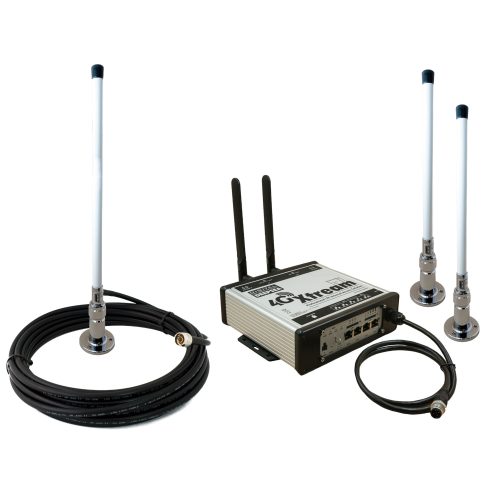
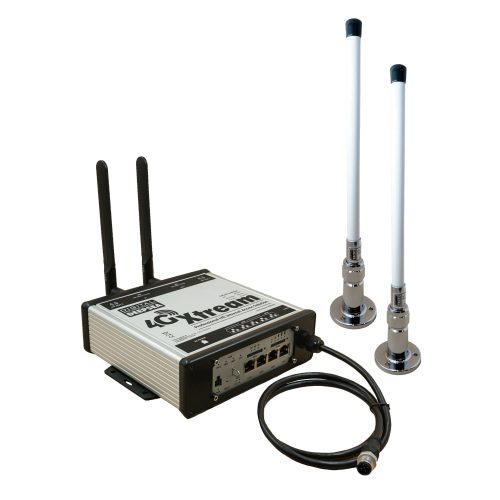
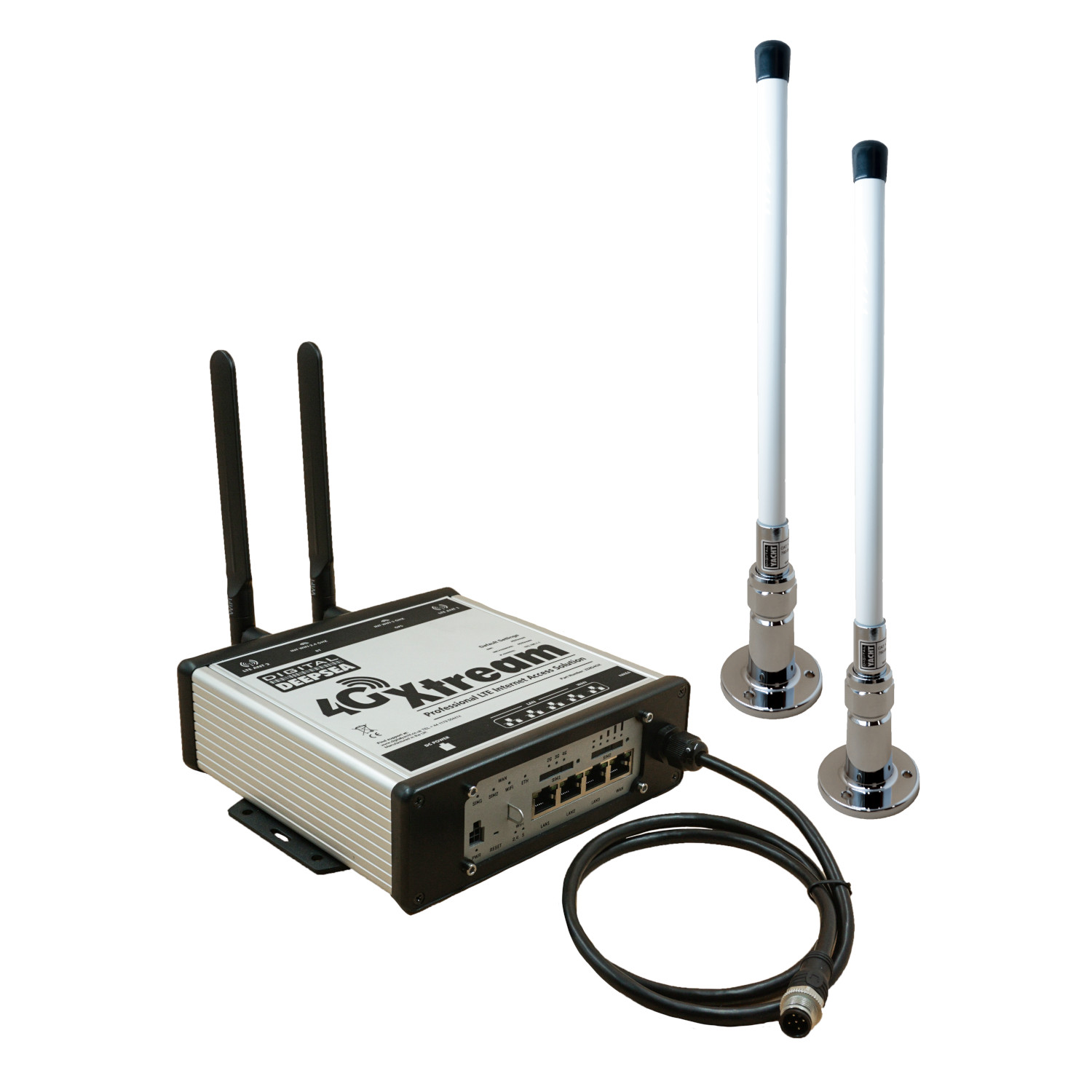
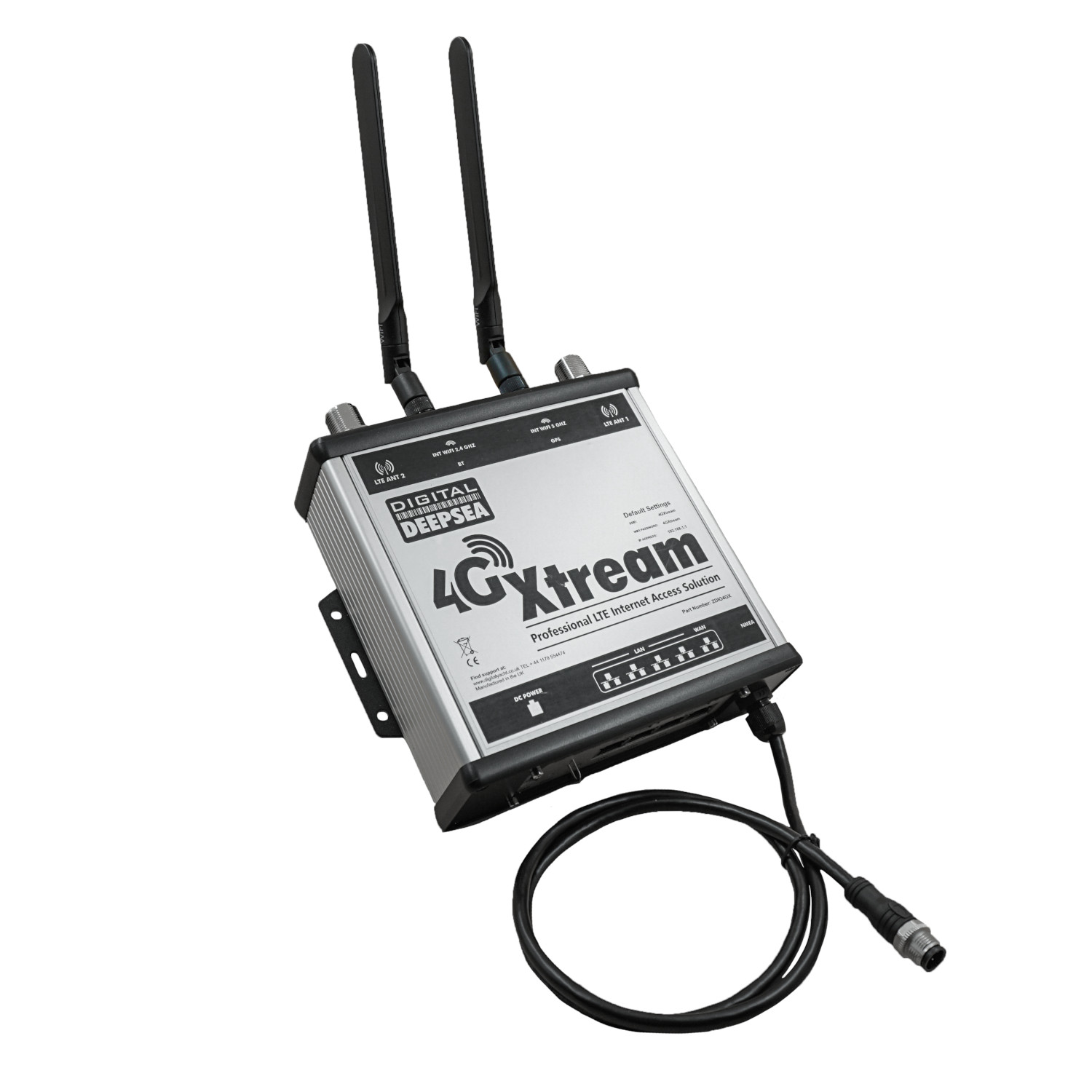
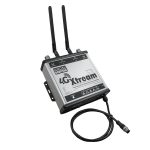
4G Xtream is our latest, premium LTE (cellular) internet access on board product with a NMEA 2000 interface.  It ships as a complete package with dual external antennas, deck mounting hardware and cabling.  Alternative antenna mounts are available as options.

Using MIMO technology and two external wide band LTE antennas, it offers fast connectivity at up to 300 MBs (network dependent).  It has a built in dual band wifi router supporting multiple connections, dual SIM slots (with auto fail over if required), built in GPS (for anchor alarm & tracking applications) as well as an NMEA 2000 interface for navigation and instrument data connectivity and wireless interfacing.  There’s also a Bluetooth interface for future connectivity applications.
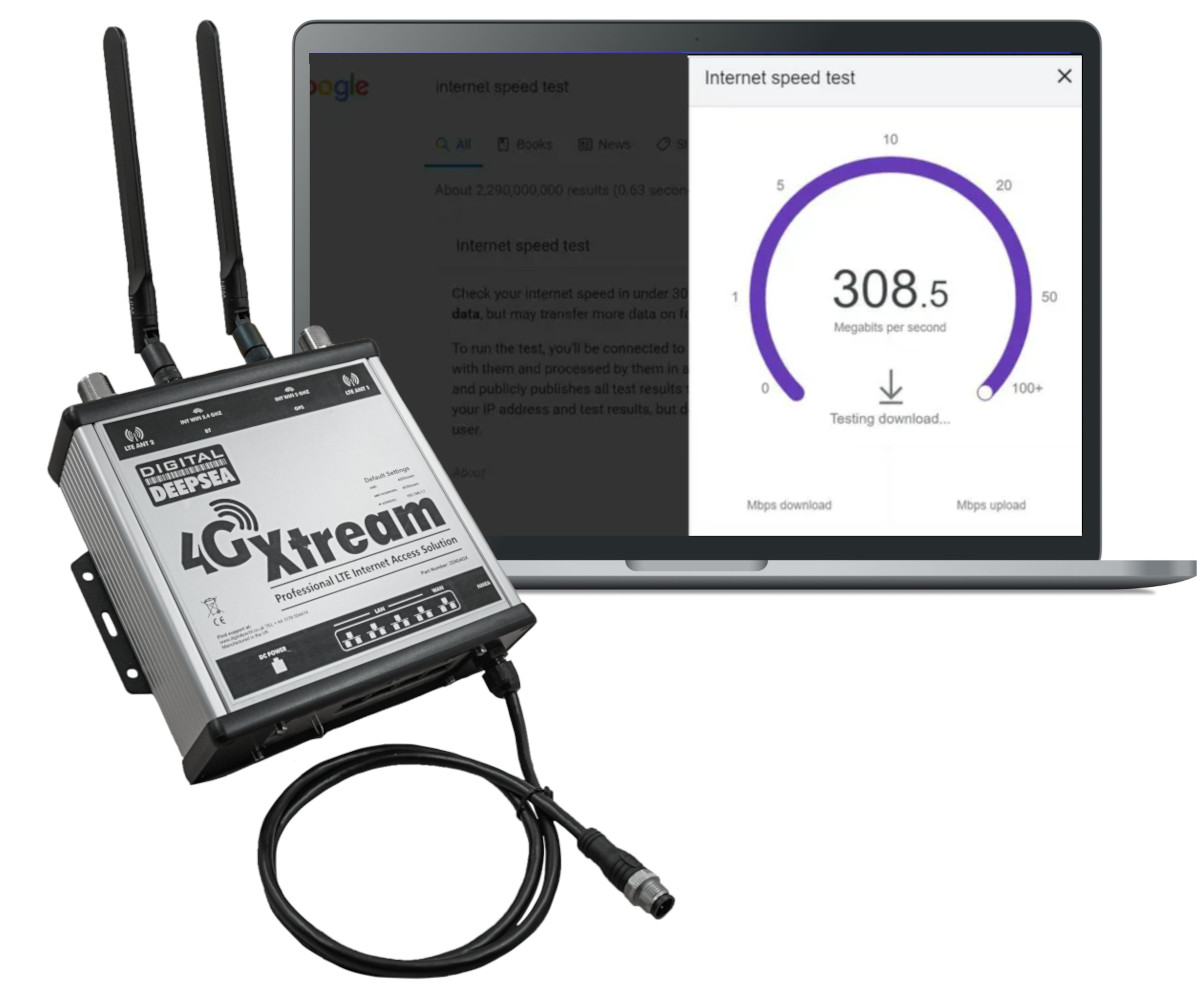
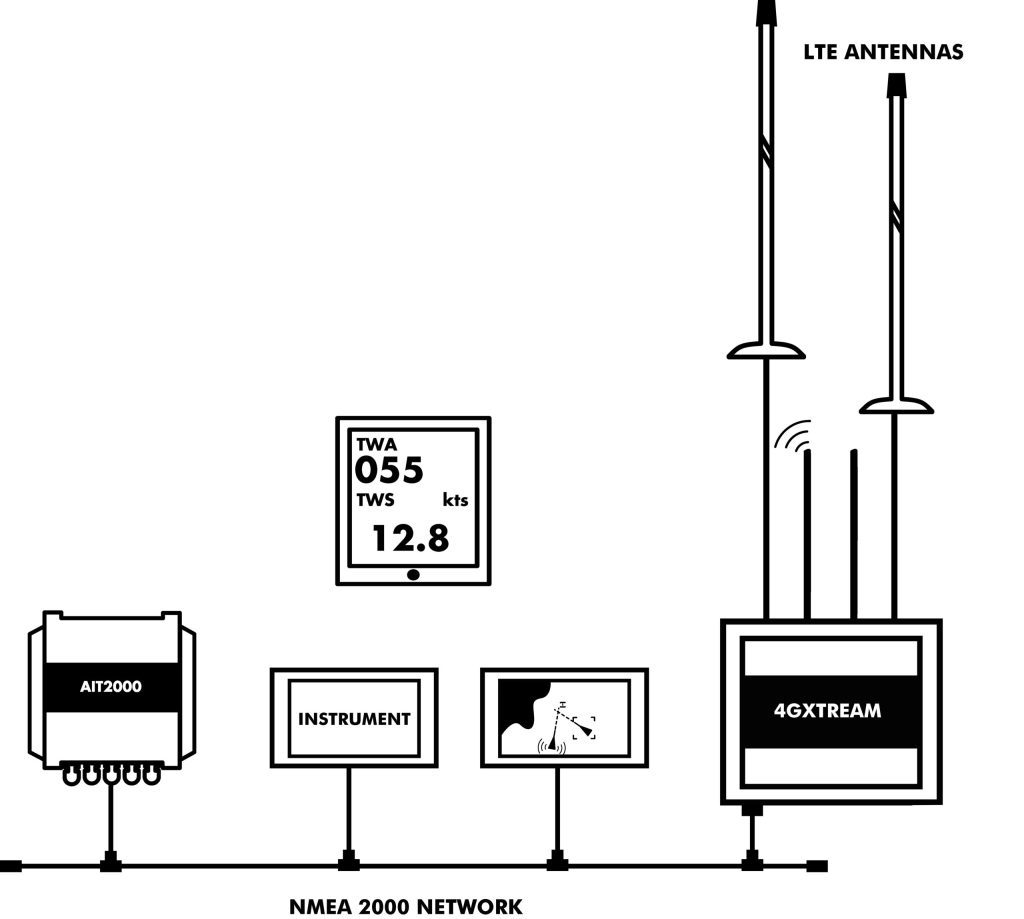
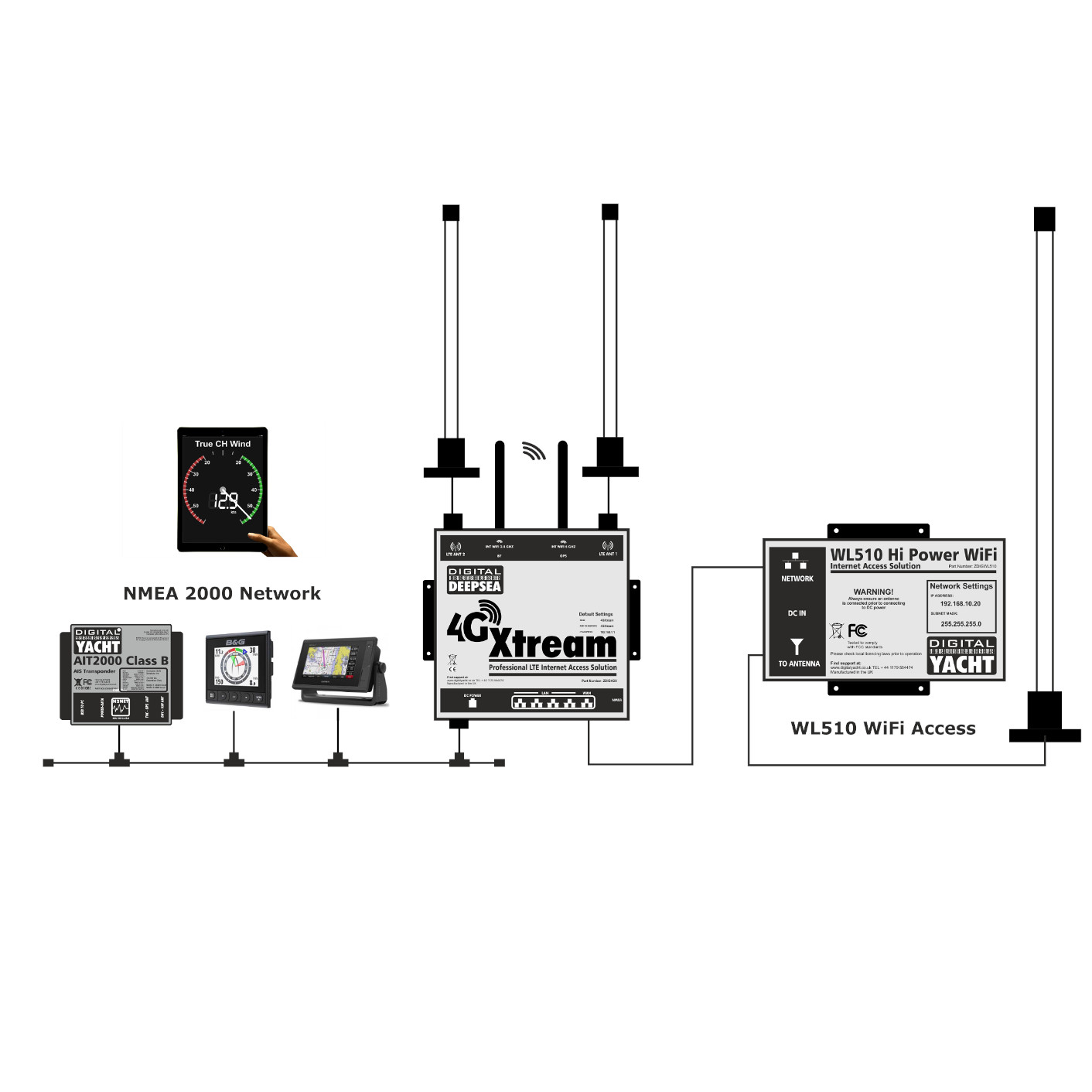
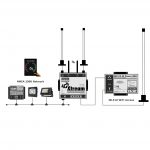
4G Xtream also has an NMEA 2000 interface so that NMEA 2000 navigation data can be made available for apps on smartphones, tablets, iPads and PCs.

This allows all NMEA 2000 data as well as internet data to be sent to popular iOS and Android apps and navigation software such as Navionics, iSailor, Weather4D, SailGrib, iNavX, TimeZero, OpenCPN and more.

It will sit alongside our existing 4G Connect Pro as a premium product and is ideal for use on large yacht, workboats, tugs and commercial ships where reliable, low cost coastal internet and in port connectivity is required. 4G Xtream features independent dual band (2.4 & 5GHz) wifi for interconnection to mobile devices.  This also provides the connectivity for NMEA data so apps on mobile devices can utilise the boats navigation and instrumentation data.

For external hi-power wifi (to access shoreside hotspots) our WiFi booster antenna is recommended which connects to the WAN port.  4GXtream can then act as a router for this connection and allow the user to switch from wifi to LTE.

Read our full presentation about 4GXtream by clicking here.

CONFIGURATION

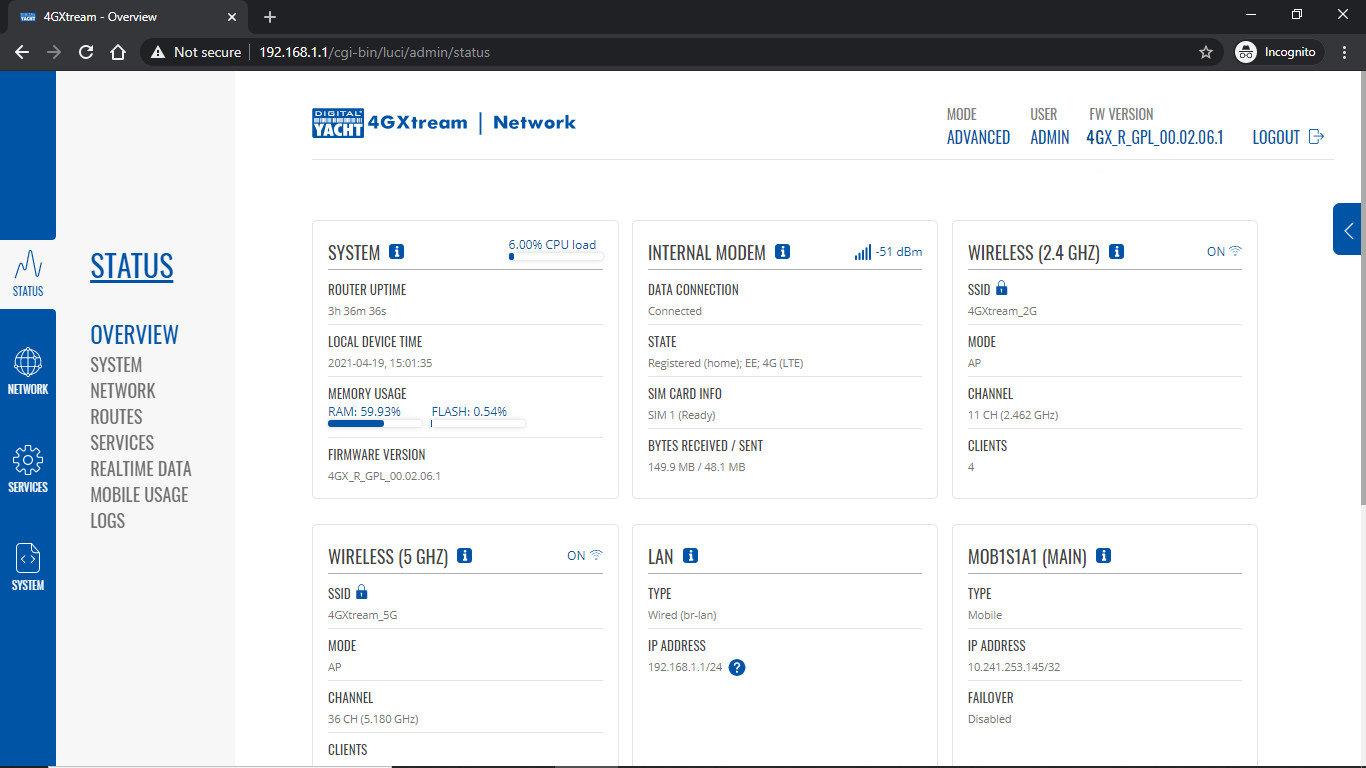
Configuration is very simple. Just insert the SIM cards. The 4GXtream has two standard SIM slots and it is possible to fit two SIMs from two different network operators. By default, the 4GXtream will query the SIM that is installed and automatically select the APN settings from its internal database.

However, it is very important that you “lock down” your wireless network, with your own network name (SSID) and wireless password. This task only takes a couple of minutes.

FEATURES

  • Latest Cat 6 LTE MIMO technology with range up to 25NM offshore (network dependent)
  • Dual SIM slots with auto fail over or manual selection
  • Two external, high gain, wide bandwidth antennas
  • Dual band integrated wifi router (2.4 & 5 GHz) – independently configurable
  • Built in NMEA 2000 interface to transmit NMEA 2000 data over the wireless and wired network to compatible apps
  • Built in GPS with external patch antenna for IOT and tracking applications
  • Built in Bluetooth with antenna for future applications
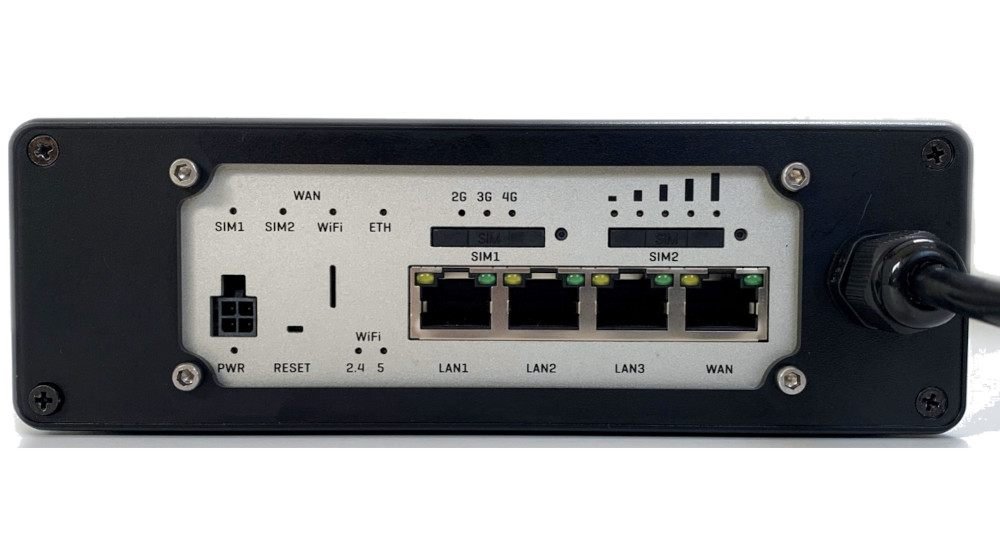
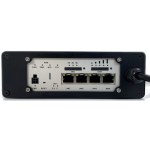
  • 3 x LAN ports
  • 1 x WAN port for additional internet connectivity – eg: WL510 high power wifi system
  • Digital input/output connectivity for IOT/control applications (Available Q3 2021)
  • SMS addressable
  • Optional 10m & 20m LMR400 assemblies

SPECIFICATIONS

Power

Operating Temp

Physical

•-40 to +75 C

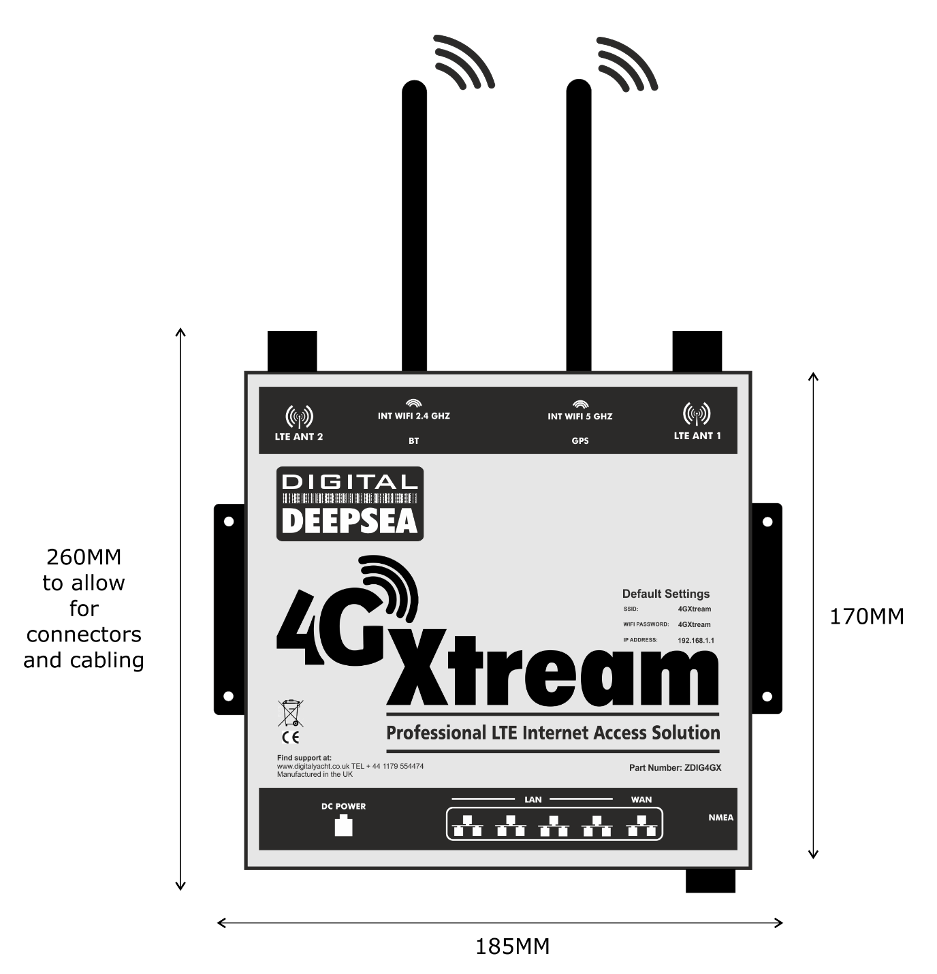
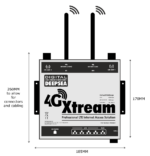
•Main unit: 180 x125 x 55mm (ex antennas)

•Weight 3,8 kg

•Protection IPX4

4G/LTE

Technology

2G/3G Fallback

•4G(LTE) CAT 6 up to 300 MB/s

•Support for B2/B4/B5/B7/B12/B13/B25/B26/B29,B30/B66 LTE FDD bands

•Support for B38/B40/B41 TDD bands

•Dual MIMO antennas

•Dual band independent 2.4 & 5 GHz

Interfaces •3 x LAN 10/100 Ethernet Port

•1 x WAN 10/100 Ethernet Port

•WiFi •802.11 b/g/n/ac

Additional information
Weight 3800 g
Dimensions 180 × 125 × 55 mm
Sales FAQs

How to configure the APN settings?

APN stands for Access Point Name and are the settings your 4GXtream needs to pass to the network carrier; AT&T, Vodafone, T-Mobile, etc. in order for the carrier to allocate your 4GXtream an IP address and connect you to the right secure network.

With the 4GConnect, you have to manually enter the APN settings of your SIM card. However, with the 4G Xtream, it has a “Auto-APN” feature that reads the SIM details and selects the correct APN settings for the SIM’s mobile network.

Can I use the internal Wi-Fi network to connect to shore side Wi-Fi?

Yes this is possible. One Wi-Fi network can be used to access a shoreside hotspot (2.4GHz) and the 5GHz network bridged to provide local access however this isn’t recommended or supported.

We recommend the use of our WL510 connected to the WAN port if long range Wi-Fi hotspot access is required.

Where should the 4G Xtream external antennas be mounted?

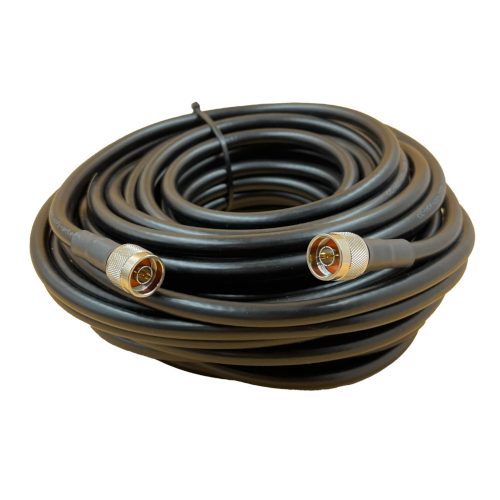
4G Xtream ships with dual external antennas.  They should be mounted at least 50 cm apart for optimum performance.  While height is advantageous, consideration should also be given to cable runs.  The standard cables (LMR200) are 7m in length and should not be extended.

Typical mounting locations would be the 1st set of spreaders on a sailboat, radar arch or stern pole/solar panel platform.

Optional 10 and 20m assemblies are available and these use LMR400 specialist coax for minimum losses.

Can I view my NMEA 2000 navigation data remotely?

4G Xtream has a built in NMEA 2000 interface which allows NMEA 2000 data to be utilised by apps on mobile devices connected to the system.  GPS, AIS and instrument data are streamed from the boat’s system across the Wi-Fi network.  The simplest method of viewing this data remotely would be to set up a VPN (Virtual Private Network) which effectively builds a data “tunnel” from one network (say on the shore) to another (eg: on the boat).

4G Xtream supports VPNs and this technology is well proven but requires specialist 3 rd party IP network knowledge to implement.  4G Xtream also supports MQTT for IOT applications and ZeroTier for remote access and we expect to see 3rd party marine applications develop for these platforms.  4G Xtream also supports text message polling of GPS data and alerts through its internal GPS function.

Can I connect some cameras?

We have been asked by many boaters “What’s the best solution for boat video monitoring?”  There are lots of dedicated (and expensive) marine solutions which could connect to the 4G Connect or 4G Xtream network but there’s also the simple and popular Arlo home based system which can be used.  Arlo started life as part of Netgear but became a stand alone listed company back in 2018.  Their products can be bought from Amazon, Best Buy etc.

The system comprises small, waterproof, battery powered cameras that connect to an Arlo hub via wifi.  It means you don’t have to run wires around the boat or even find 12V power and you can position the camera in different locations as you need to.  Multiple cameras are also supported.

Other IP cameras can also be connected to the 4G Connect and 4G Xtream.

Can I use the internal Wi-Fi network to connect to shore side Wi-Fi?
Yes this is possible. One Wi-Fi network can be used to access a shoreside hotspot (2.4GHz) and the 5GHz network bridged to provide local access however this isn’t recommended or supported. We recommend the use of our Wi-Fi Hotspot antenna to the WAN port if long range Wi-Fi hotspot access is required.
How many SIM card and how to insert the SIM?

The 4G/5G Xtream has dual SIM slots (with auto fail over if required).

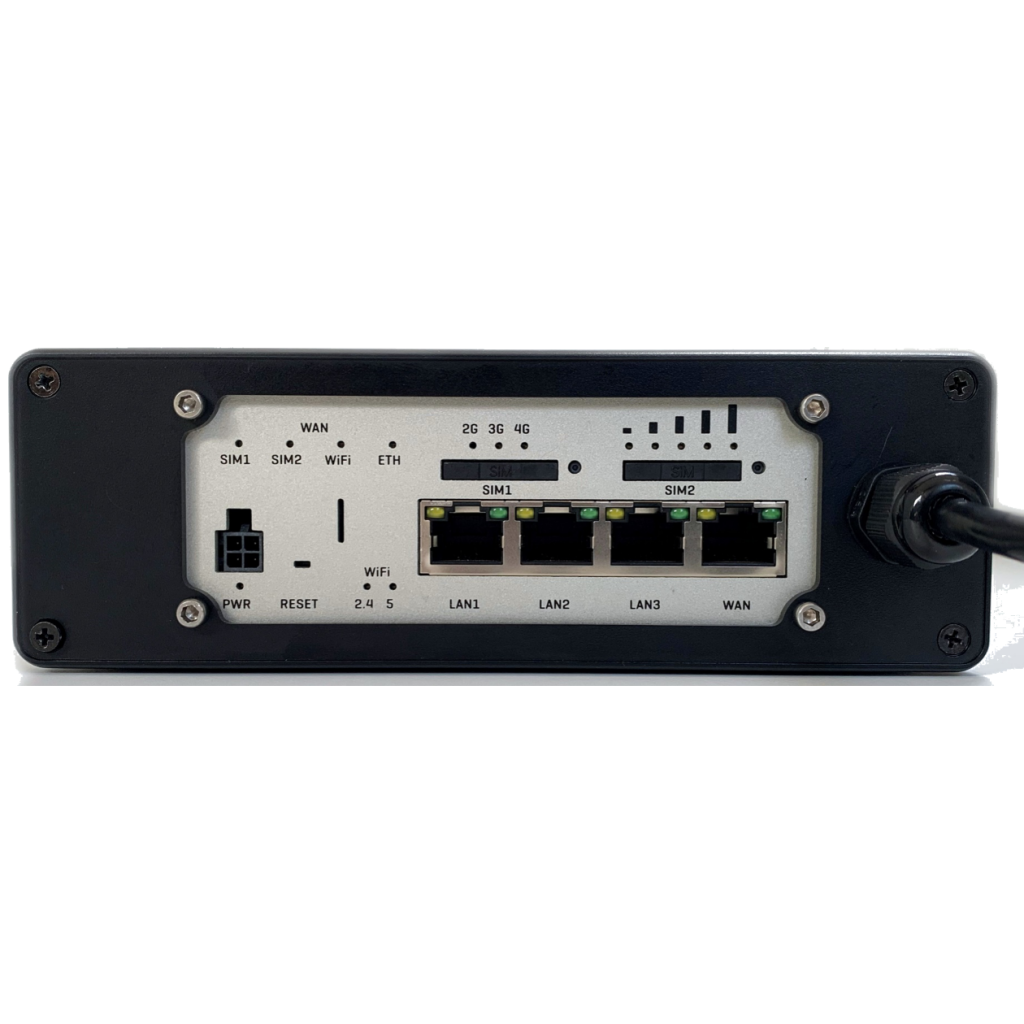
Inserting the SIM card is very easy. The SIM slot is in the front cap of the unit. You don’t need to open the unit.

What are the differences between 4G Xtream and 5G Xtream?
Feature 4G Xtream 5G Xtream
Modem Specification MIMO technology Cat 6 Modem. Up to 300 MB/s

Quad Core ARM Cortex A7 717 MHz Processor 256 MB RAM.

5G Sub-6Ghz SA/NSA.  Up to 2.1/3.3Gbps downlink (4×4 MIMO)

4G Cat 20 Modem.  Up to 2GBs

Quad Core ARM Cortex A7 717 MHz Processor 256 MB RAM.

4G Antennas Dual external wide band high gain MIMO supplied with 7m cables and mounting bases.  (10 & 20m options available) Dual external wide band high gain MIMO supplied with 7m cables and mounting bases.  (10 & 20m options available) PLUS additional 100mm dome antenna for 4 x 4 MIMO operation and optimised for 5G (7m cable only)
Internal WiFi Dual band independent 2.4 & 5 GHz 802.11 b/g/n/ac

Maximum 150 connections

Dual antennas

Dual band independent 2.4 & 5 GHz 802.11

b/g/n/ac

Maximum 150 connections

Dual antennas

SIM Slots 2 2
GPS YES YES
NMEA interfacing Built in certified NMEA 2000 interface for NMEA 2000 data distribution over wifi Optional with LANLink N2K external interface
Which LTE bands support the 4G Xtream?

4GXtream comes in two models: ROW or USA

Part Number Regions Details
4G Xtream ROW version Europe, Middle East, Africa, APAC, Malaysia, Brazil and Australasia 4G (LTE-FDD): B1, B3, B5, B7, B8, B20, B28, B32
4G (LTE-TDD): B38, B40, B41
3G: B1, B3, B5, B8
4G Xtream US Version North America 4G (LTE-FDD): B2, B4, B5, B7, B12, B13, B25, B26, B29,B30, B66
3G: B2, B4, B5
Which speed can I get with the 4G Xtream?

The 4G Xtream has a CAT 6 modem so it offers fast connectivity at up to 300 MBs (network dependent).

It also supports carrier aggregation where two LTE channels can be used at the same time to double the bandwidth (network dependent).

How to configure 4G/5G Xtream?

It is very simple to configure the 4G/5G Xtream. This video below explains you how to configure the 4G/5G Xtream.

Manual and Downloads

4GXtream NMEA 0183 Product Handbook V1.04 (English)

1.41 MB

4GXtream Latest User Manual V1.04 for the NMEA 0183 model (English)

4GXtream NMEA 2000 Product Handbook V1.04 (English)

1.19 MB

4GXtream Latest User Manual V1.04 for the NMEA 2000 model (English)

what inside box

  • 1 x 4G Xtream Modem Unit with integrated NMEA 2000 cable
  • 1 x DC Power/IO cable
  • 2 x External antennas
  • 2 x E179F antenna bases
  • 2 x 7m LMR200 antenna cables (N male to N male)
  • 2 x Internal wifi antennas
  • 1 x Internal GPS antenna
  • 1 x Bluetooth antenna
  • In option:
  • 1” antenna adaptors and range of mounts
  • 10 & 20m LMR400 antenna cable packs
  • AC 110/220v power adaptor
  • NMEA 0183 variant (factory change)
  • Product Video

    How to set up an anchor alarm with 4G/5G Xtream