
Home » Products » AIS Systems » AIS Receivers » AIS100 RECEIVER (USB)

AIS100 RECEIVER (USB)

$349.95

“Perfect for PC based navigation systems with USB drivers for PC, MAC and linux.”

SKU: ZDIGAIS100USB Categories: , Tags: ,
Description

KEY FEATURES

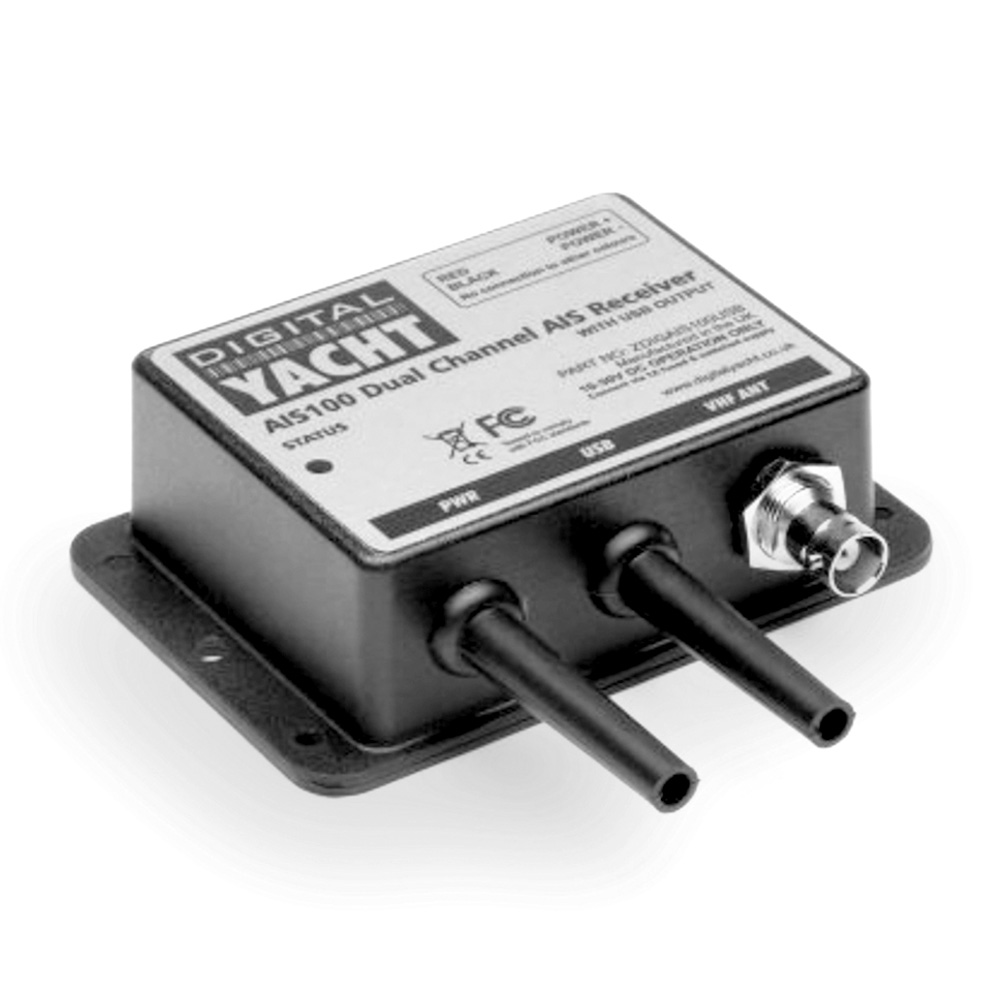
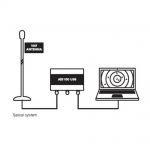
This value priced, entry level AIS receiver with USB is Digital Yacht’s most cost effective solution for getting AIS on your PC. Featuring the same dual channel receiver as the AIS100Pro, but without the NMEA 0183 Output and multiplexer, there is no compromise on performance and the AIS100USB will out-perform all other, inferior, single channel receivers.

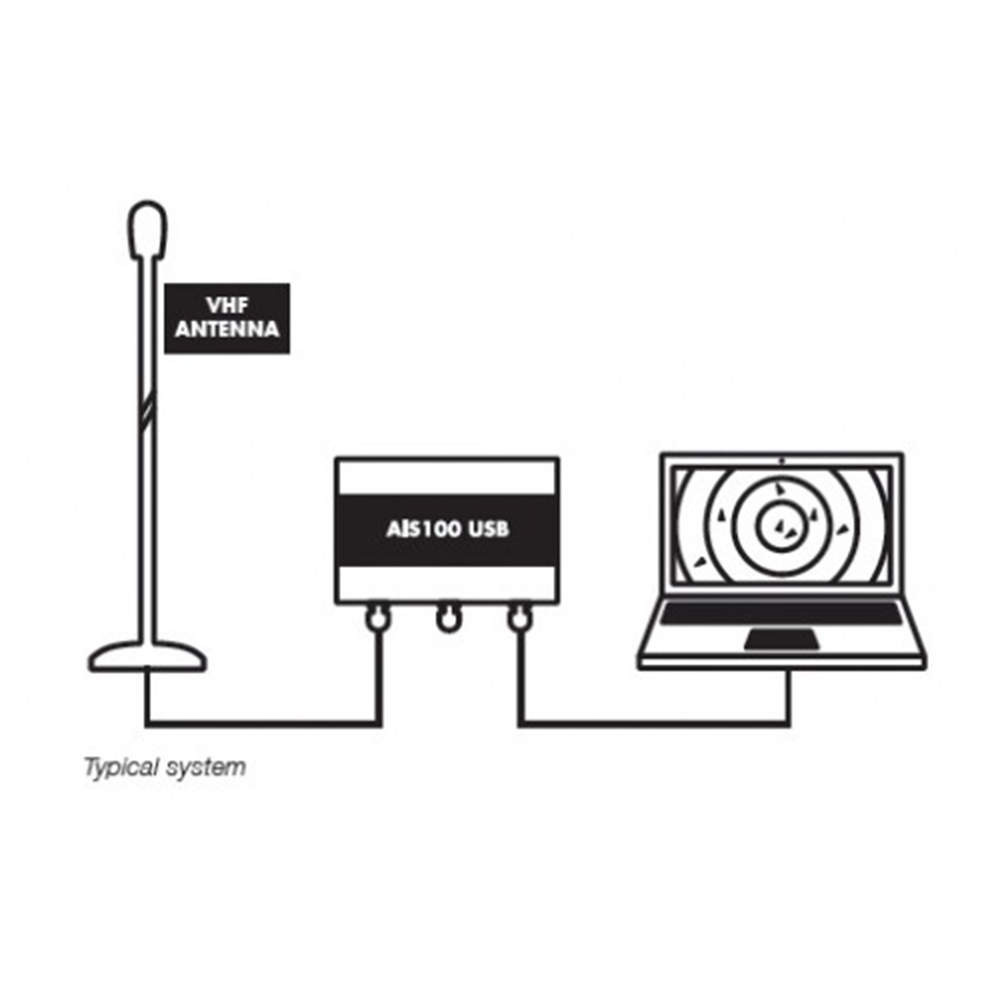
Simple plug and play USB connection to a PC. Uses standard drivers built-in to Windows XP/Vista/7 and is automatically mapped to an available “virtual” com port, which your PC software can read. Also compatible with Mac OS X and all LINUX Kernels since V2.4.20.

For use with any AIS compatible PC navigation software, such as the latest SmarterTrack, MaxSea, SeaPro, Nobeltec and RosePoint applications.
SPECIFICATIONS

  • Low cost entry level AIS receiver with USB
  • High performance dual-channel AIS receiver for use with AIS compatible PC navigation software
  • USB Interface for simple Plug and Play connection to a PC
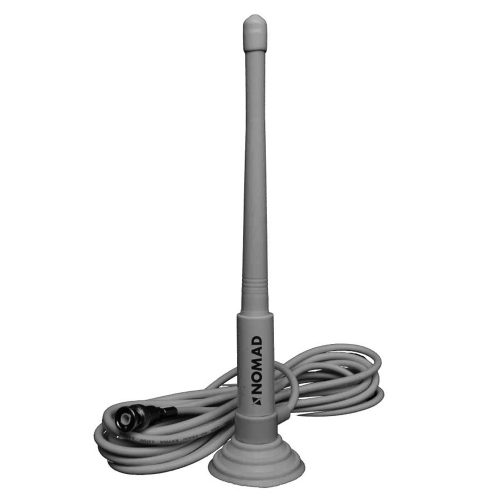
  • Requires VHF / AIS antenna or splitter
  • Easy to install IP54 black box solution
Additional information
Weight 224 g
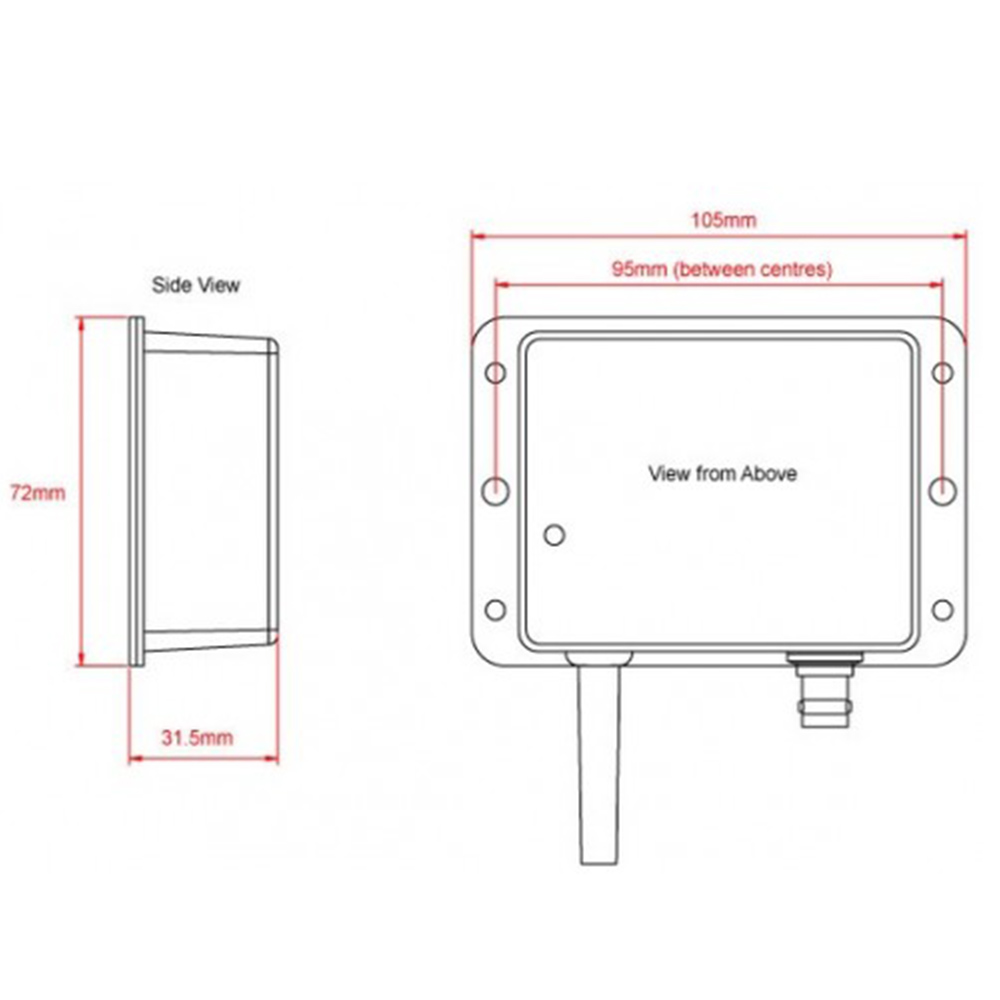
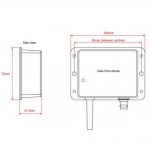
Dimensions 180 × 145 × 40 mm
Sales FAQs

Should I use a dedicated VHF antenna or a VHF splitter?

If the AIS transponder doesn’t have a built-in VHF splitter (i.e. AIT5000), there are 2 options: either install a dedicated VHF antenna for AIS or install an antenna splitter so that the main VHF antenna is used for both VHF radio and AIS.

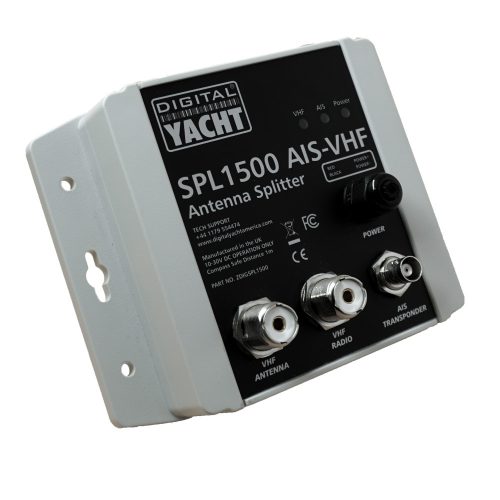
For those who want to use their existing VHF antenna, then we recommend the use of a certified zero loss VHF antenna splitter such as our SPL1500 and SPL2000. Please do not use a non-zero loss certified VHF antenna splitter. They are inexpensive, but they can destroy your AIS transponder.

For those who want to install a VHF antenna dedicated to AIS, then we recommend a VHF antenna tuned to AIS frequencies. The AIS transmission and reception works on 2 dedicated channels which use the frequencies 161.975 and 162.025 MHz (channel 87B and 88B). VHF frequencies in the maritime environment use frequencies from 156.0 to 162.025 MHz and most VHF antennas are designed to provide maximum gain on channel 16 (156.8 MHz). You can now find antennas on the market dedicated to AIS frequencies such as the HA156 antenna.

These antennas, dedicated to AIS frequencies, offer maximum gain at 162 MHz (which is the centre between the 2 AIS frequencies 161.975 and 162.025 MHz). So if you install a VHF antenna instead of a VHF antenna splitter for your AIS receiver or transponder, then choose an AIS frequency VHF antenna to compensate for the loss due to the installation of the antenna lower down than the main VHF antenna at the top of the mast. The graph below shows how a dedicated AIS frequency antenna (162 MHz) provides a better VSWR and therefore a better transmission and reception.

What is the difference between an AIS Receiver and a Transponder?

An AIS which sends and receives data is known as a transceiver (or often called a transponder). There are also simple devices called AIS receivers which pick up transmissions and decode for displaying on a compatible chart plotter or PC based navigation system – or even an iPad or tablet.

AIS transponders will allow you to receive data from vessels close to you, but will also allow you to continuously transmit your vessel’s identity, position, speed and heading, as well as other relevant information, to all other AIS-equipped vessels within your range.

To transmit its position, an AIS transponder must have its own GPS antenna. All our AIS transponders are supplied with a GPS antenna or have a built-in GPS antenna.

Do I need any extra software so I can see the AIS info on a computer?

No, we supply a version of our Smartertrack software free with every AIS product. The same software can also be upgraded at a later point to a full function navigation package with Navionics charts.

Manual and Downloads

SmarterTrackLITESetupV1 04 Zip

51.18 MB

SmarterTrack LITE fully working copy for anyone with one of our AIS products

AIS100USB Quick Start Guide V1 04 Eng Pdf

458.07 KB

AIS100USB Latest User Manual (English)

what inside box

  • Integral mounting brackets
  • 0.75m Power cable
  • 0.75m USB cable
  • Product Video