Home » Products » Interfacing » WLN30 – NMEA 0183 Multiplexer to Wi-Fi

WLN30 – NMEA 0183 Multiplexer to Wi-Fi

$309.95

“The WLN30 is a smart NMEA to WiFi Multiplexer designed to connect your smart phone and other wireless devices to your boat’s navigation systems. It features three NMEA0183 inputs and easy web interface configuration.”

Description

KEY FEATURES

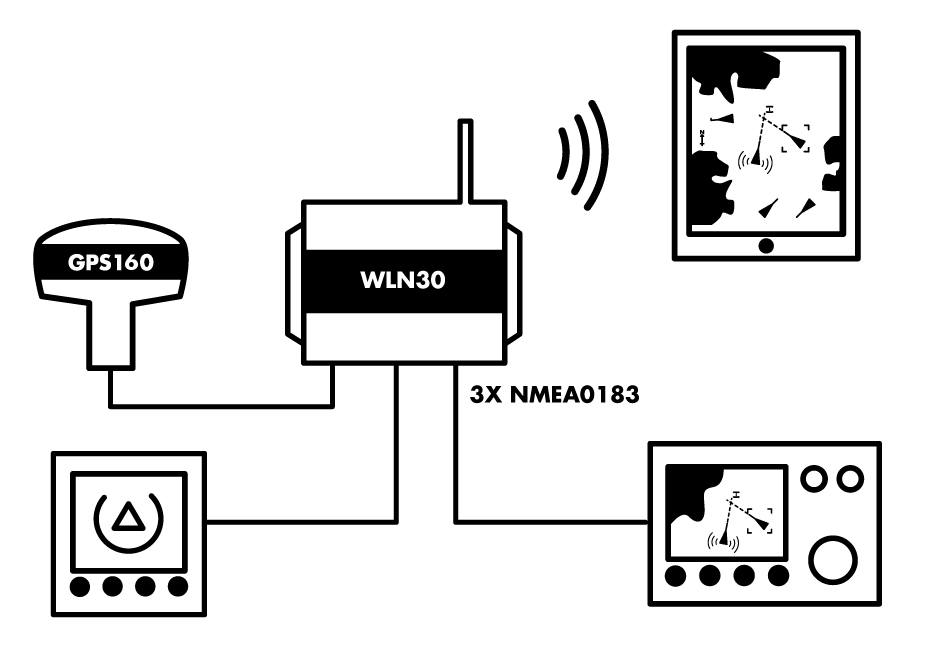
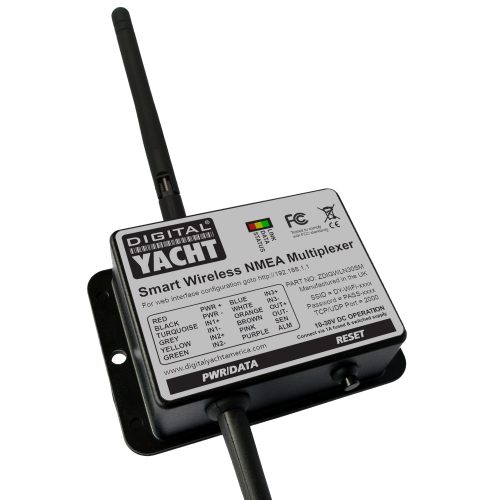
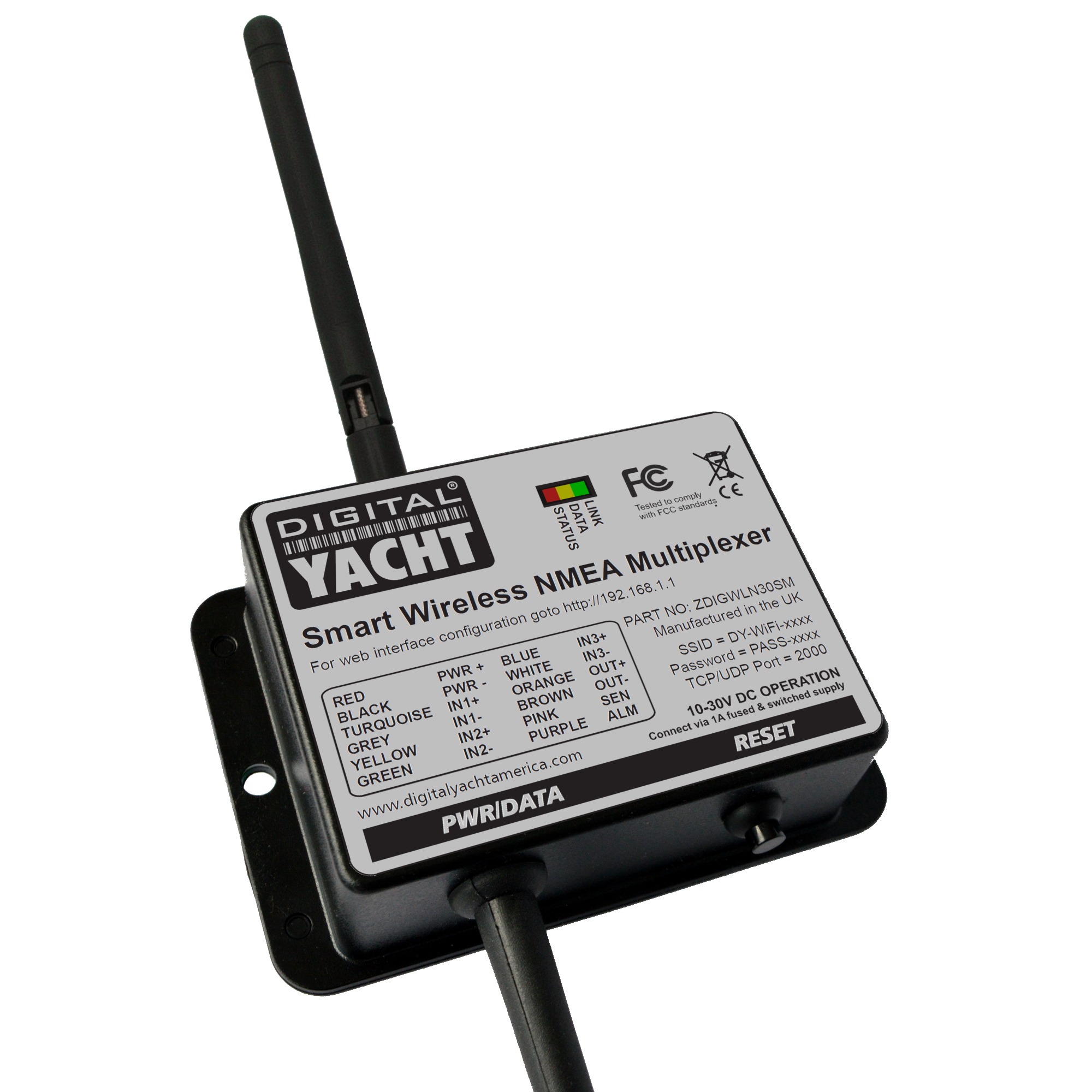
Digital Yacht’s new WLN30 is a Smart Wireless NMEA to WiFi Multiplexer that takes iPad and tablet integration afloat even further. The ability to connect to existing on board GPS, AIS and instrument systems and transfer data wirelessly to an iPad or tablet allows compatible apps to display and compute with real time information. The WLN30 creates a secure, password protected wifi network on board to footprint the boat with data.

When connected to, for example, an AIS system, real time AIS target positions and identity data will be displayed on detailed electronic charting through compatible apps including NavLink, TimeZero, Navionics, AquaMap, iAIS, iSailor, Seapilot and hundreds more. The tablet therefore becomes a full function navigation display.
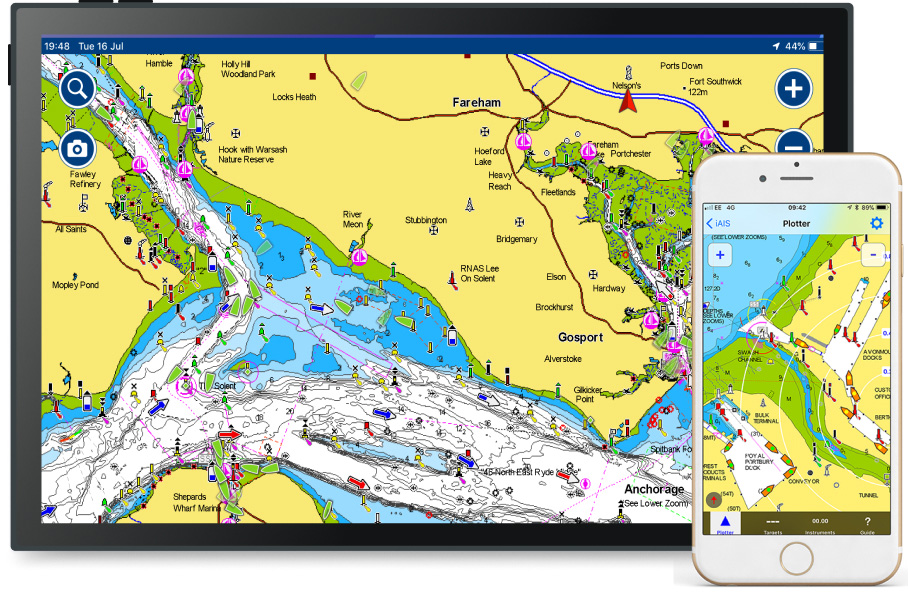
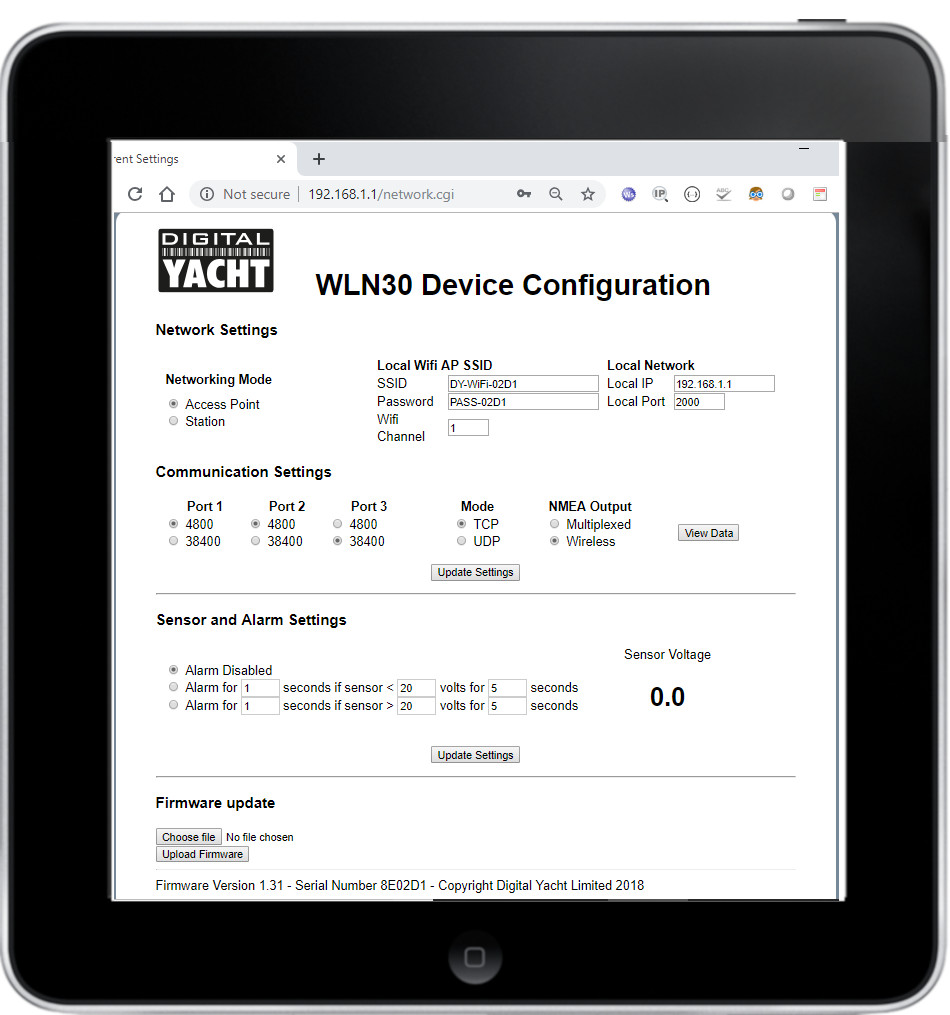
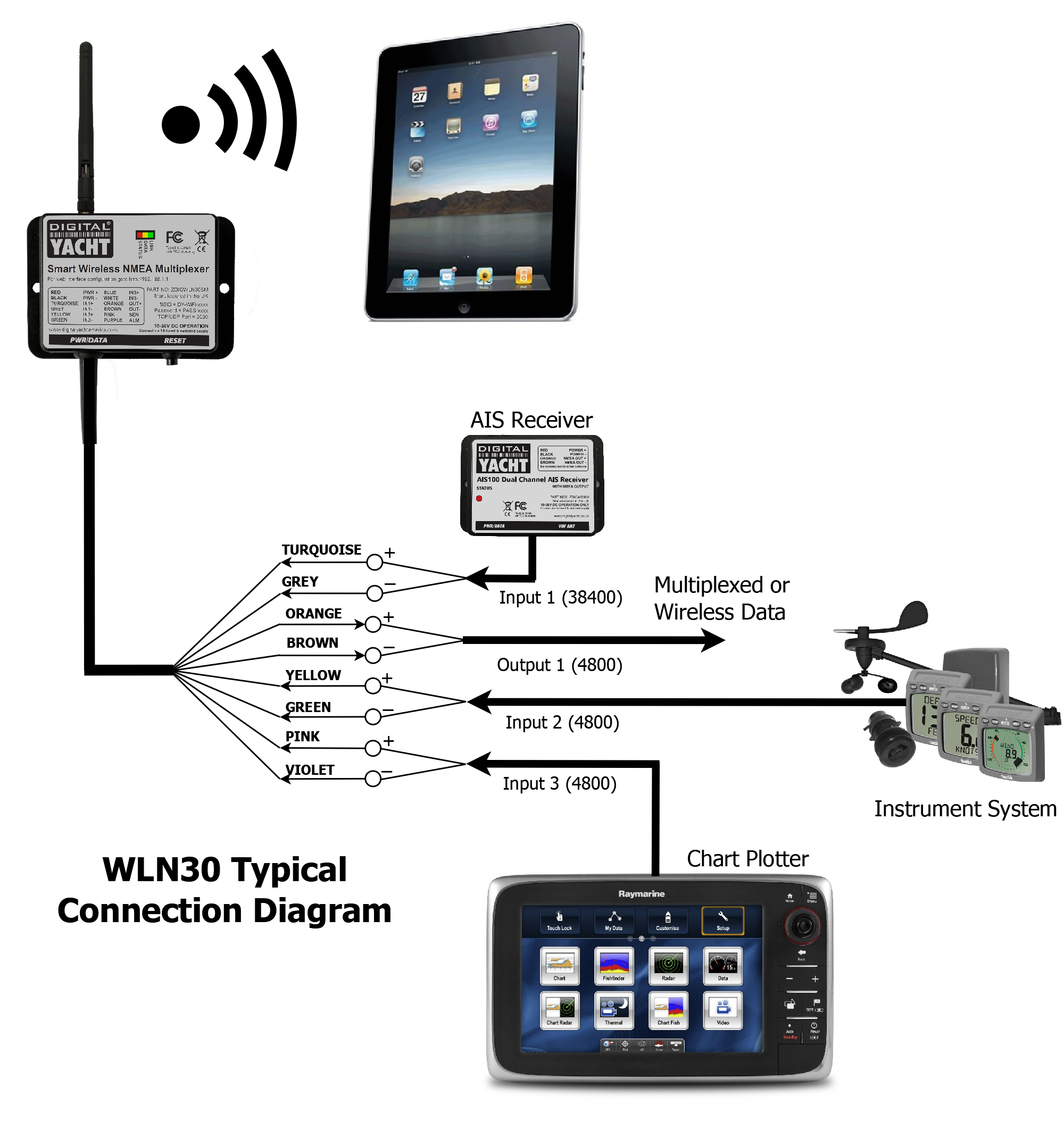
The new WLN30 has three NMEA0183 Inputs and one NMEA0183 Output. You can programme these through its simple browser interface to operate at 4800 or 38400 baud rates. Data received on the three inputs is multiplexed together. The WLN30 can then transmit to any wireless device connected to the WLN30’s wireless network. The same multiplexed data is also available on the NMEA 0183 Output or in an alternative mode the NMEA 0183 Output can be configured to forward data from the wireless application, for instance the next waypoint or autopilot data, to other NMEA 0183 equipment.

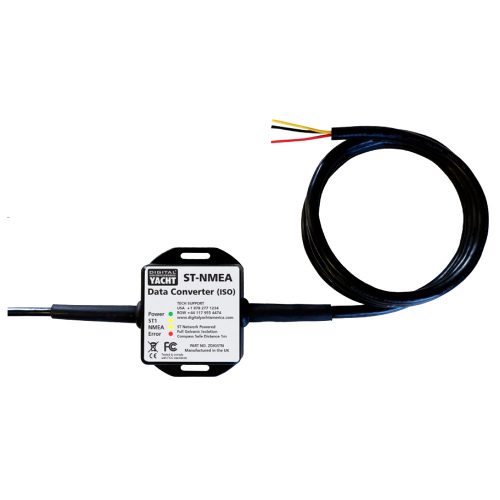
With its three NMEA0183 inputs, you can also utilise our SeaTalk to NMEA adaptor. As a result, SeaTalk instrument data to be interfaced directly to the WLN30 or our iKonvert gateway to connect NMEA 2000 data.

CONFIGURATION

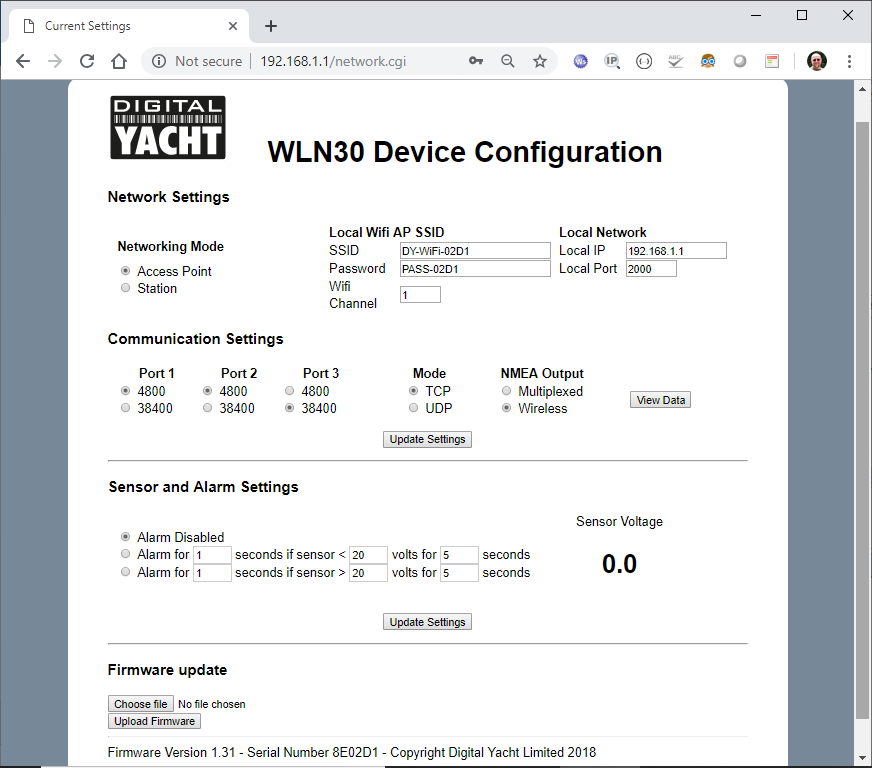
You can configure the WLN30 through its own simple web interface, just open your web browser, enter the WLN30’s IP address and you can set baud rates, multiplexing mode, network name, password and and even merge the WiFi to an existing WiFi network on board.  So no complicated programming software or app required. You can even view the received NMEA data in the web browser, for easy fault finding of issues.

Finally, The WLN30 supports TCP and UDP network protocols for maximum compatibility with apps. If you want to have full bi-directional control of an autopilot, with guaranteed data integrity or you want to be the only person receiving the data, then select TCP. If however, you want to receive the same data on multiple devices, for instance a PC at the chart table and an iPad on deck, then select the UDP broadcast protocol.

SPECIFICATIONS

  • Three input NMEA 0183 to WiFi Multiplexer (4800 baud or 38400 baud)
  • Multiplexed data transmitted over Wi-Fi and NMEA 0183 Output
  • Web interface for setup and initial programming (work with any modern web browser)
  • Set baud rates, SSID and password through web interface
  • Supports both TCP and UDP (for multiple connections) protocols
  • View received NMEA data in web browser for easy fault finding of issues
  • Supports a bi directional Wi-Fi interface for autopilot control
  • Fully compatible with popular navigation apps and software
  • Easy to install IPX4 black box solution
Additional information
Weight 212 g
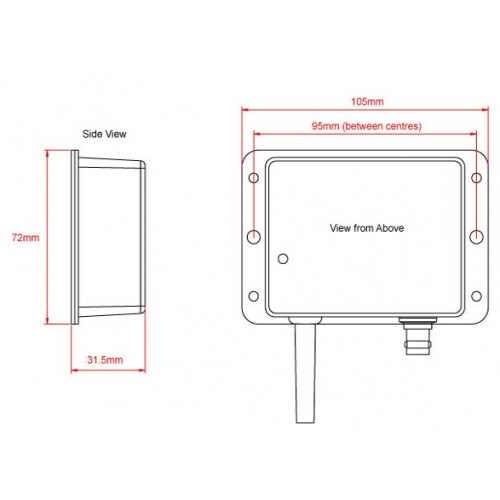
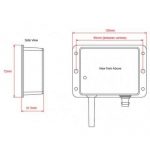
Dimensions 105 × 72 × 32 mm
Sales FAQs

How to configure the NMEA to Wi-Fi server?

All configuration can be done through a simple web interface, just connect to the product’s Wi-Fi network then open your web browser, enter the product’s IP address (192.168.1.1) and you can set network name, mode, view data, password and join an existing network.

How to interface the product to my existing equipment?

We keep on our blog a list which explains how to interface the WLN10/WLN30 & NavLink2 to popular navigation equipment such as Raymarine, Garmin, Furuno, etc.. This list explains which wires you need to use to interface the products together.

For the WLN10/WLN30, you can see the list here: https://digitalyacht.support/tutorials/how-to-interface-wln10/ 

For the NavLink2, you can see the list here: https://digitalyacht.support/tutorials/how-to-interface-nmea-2000/ 

What is the Wi-Fi network password?

Our WLN10/WLN30 & NavLink2 have a built-in web interface and create a password protected WiFi network. With your tablet, PC or smartphone, if you scan for wireless networks, you should see a wireless network called “DY-WiFi-xxxx” where xxxx is a four-digit code unique to the product. The WiFi network might change according to your product version.

Make your device join this network and you will be asked to enter a password which is “PASS-xxxx” where xxxx is the same four-digit code as in your network name. You can change both the network name and password in the unit’s web interface.

For example, if your product creates the WiFi network: NavLink2-D4B6 then your password is PASS-D4B6

What’s the difference between WLN10 and WLN30?

The WLN10 has a single NMEA 0183 interface (input and output). This interface must be configured to operate at either 38,400 baud (AIS speed) or 4,800 baud (GPS and instrument data speed). It is an ideal solution if you want to broadcast data from either an AIS receiver/transponder or from your onboard instrumentation.

The WLN30 features three NMEA 0183 interfaces, each of which can be configured to operate at a different baud rate. The WLN30 multiplexes all incoming data and broadcasts it via Wi-Fi, enabling real-time data delivery to navigation software or applications. This makes it an ideal server for vessels with multiple navigation devices operating at different NMEA speeds, where AIS, GPS, and instrument data need to be broadcast simultaneously.

What is the wireless interface range?

The Wi-Fi will typically footprint a boat up to 25m LOA. Contact us if you need a bigger footprint or have a steel or carbon vessel.

I have already a Wi-Fi router on board - can I join the product Wi-Fi to an existing network?

Yes! You can program this through the web interface so you just have one Wi-Fi network on board with our product linked directly to your other Wi-Fi network as a client.

This works well as well with Furuno WiFi radar installations.

How to configure a navigation app or software?

On our blog, we maintain a list that explains how to configure all the most popular navigation apps and software. The guide covers both how to set up an NMEA connection (UDP/TCP) and how to configure the AIS settings within each app or software package.

To see the list, please click here:  https://digitalyacht.support/tutorials/how-to-configure-apps-software/ 

Where can I find compatible apps?

We keep up to date reviews on our news blog at www.digitalyacht.net – search for Best Marine Apps for Android or iOS. Popular apps include Boating Navionics, iNavX, TZ iBoat, Navimetrix, OpenCPN, iAIS, NavLink, iSailor, SeaPilot, Adrena, Weather 4D, MaxSea TimeZero, SailGrib and literally 100s more.

Any navigation app or software that is NMEA-compatible can receive data from our products.

Our products are also fully compatible with navigation software running on PC, Mac, and Linux platforms.

Do I need an internet connection?

No internet connection is required. Many consumers get confused and automatically associate wifi with internet. The product creates a wifi network and the local iPad or tablet users searches for this in the same way they search for a wifi hotspot.

Once connected, NMEA data is sent over the local link created on board the boat.

Manual and Downloads

WLN30 Smart Quick Start Guide V1_01_Eng

464.48 KB

WLN30 Smart Wireless NMEA Server User Manual (English)

what inside box

  • 1m Power & NMEA 0183 cable
  • 3dBi Wifi Antenna
  • Product Video